- Open the real iPhone app
- Use the free experience available there
- Create and save only inside the app
AI home design for the room you already have
Reframe the room. Keep the feeling.
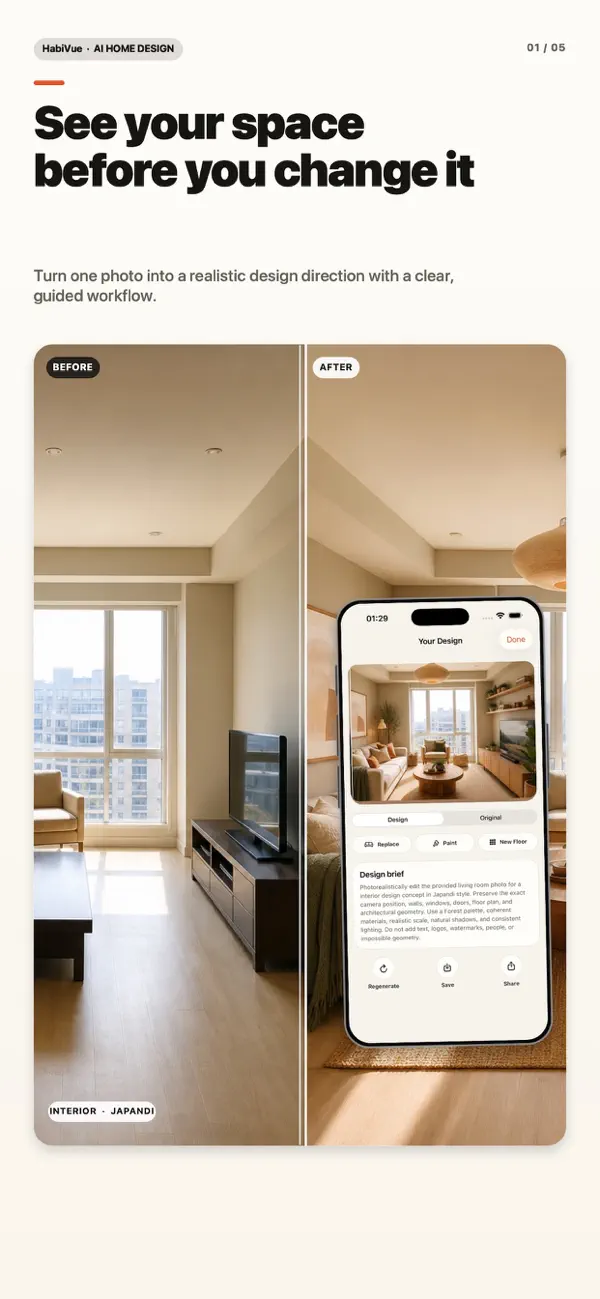
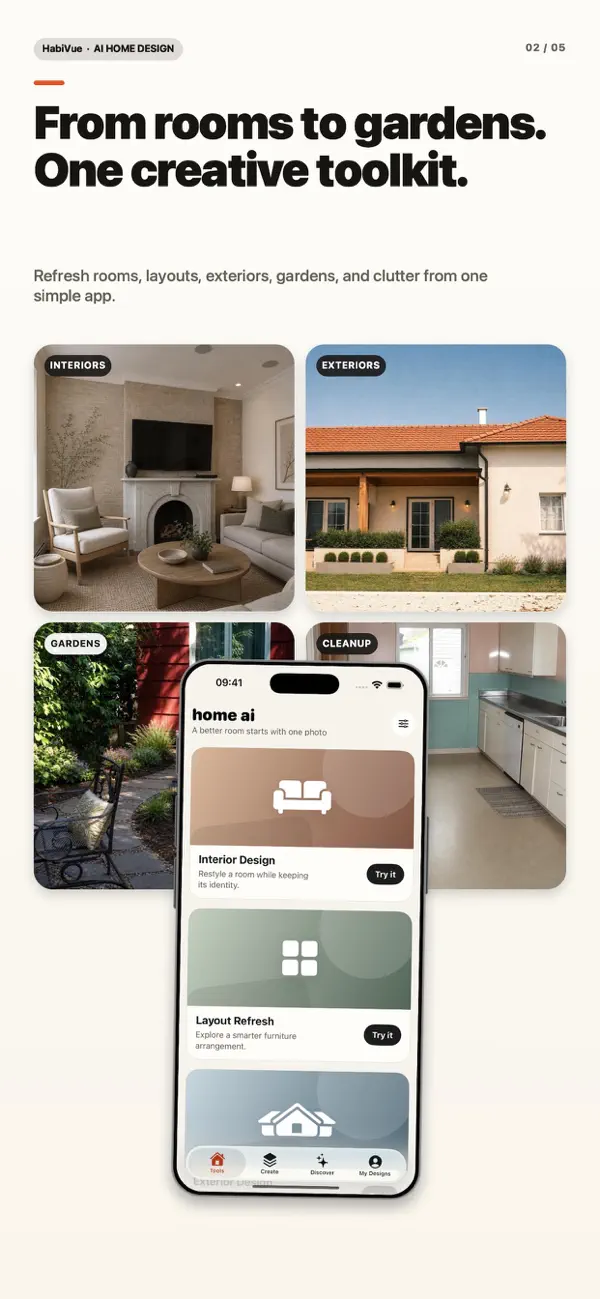
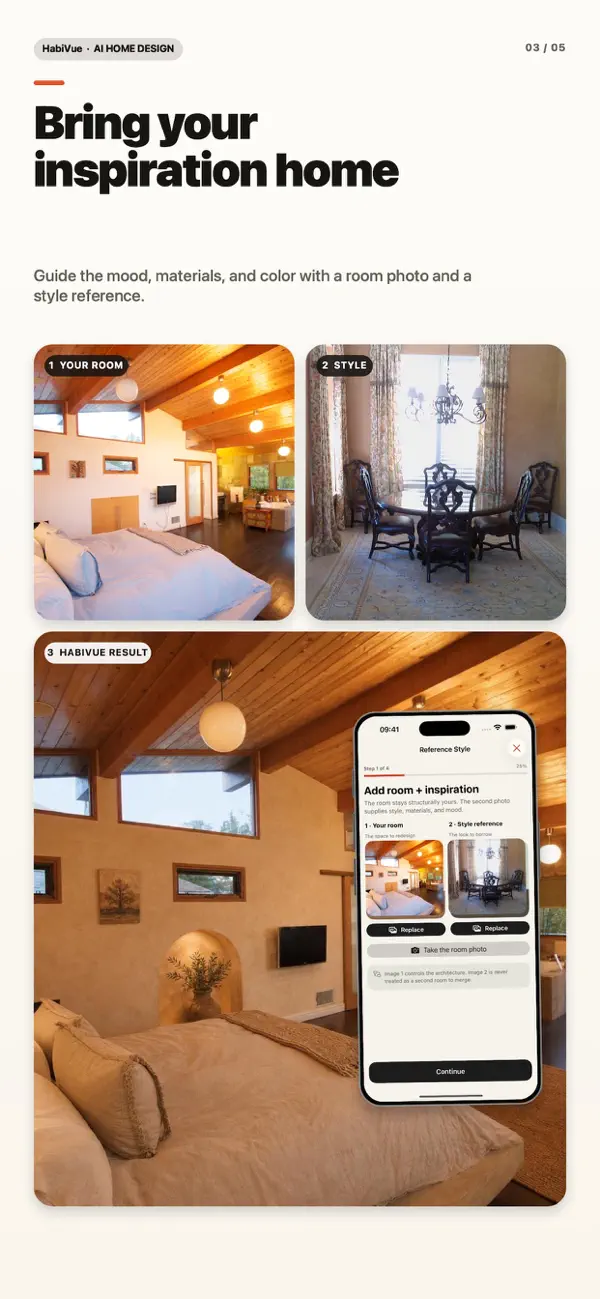
Start with a real photo. Explore interior directions, materials and focused edits in the HabiVue iPhone app—without losing what makes the space yours.
HABIVUE APP PREVIEW
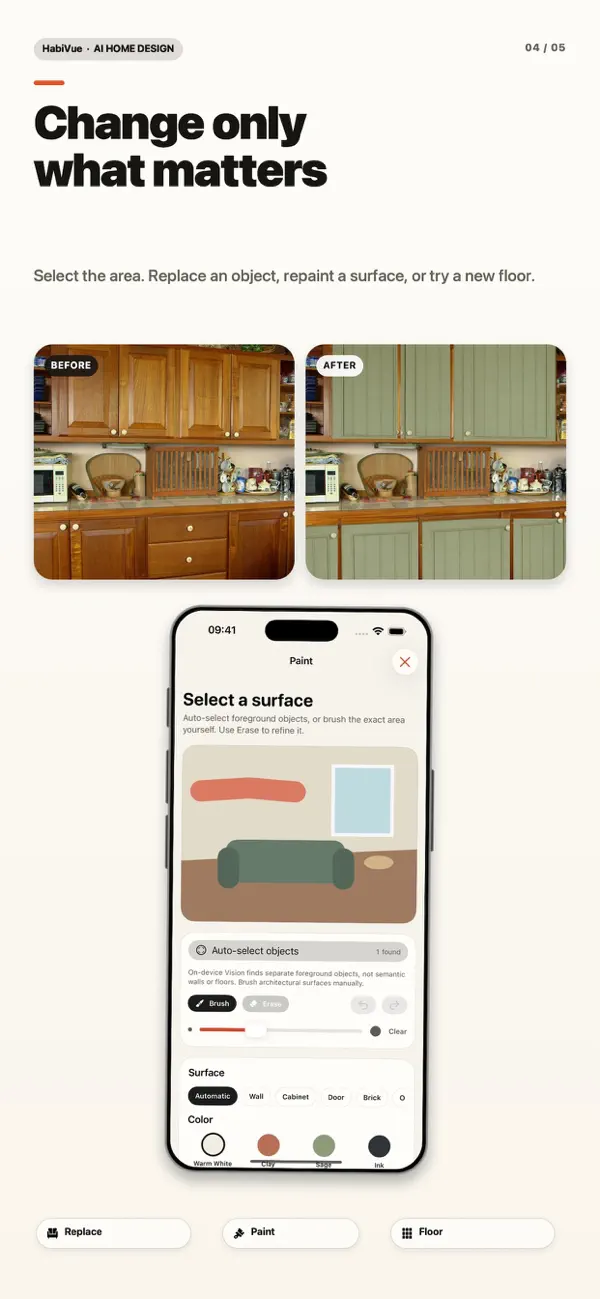
REAL ROOMSTYLE DIRECTIONFOCUSED EDITSFREE APPOPTIONAL PREMIUM
01 / SEE
One photo can hold more than one good answer.
HabiVue helps you compare directions before you move furniture, buy paint or commit to a material.
02 / CHOOSE
Choose access here. Create only in the app.
The website has no design tools, projects or creative workspace. It only sends you to the free app or starts Premium access for that same app.
19.99 EUR / 2 weeks
- Premium capabilities in the HabiVue app
- One app identity provisioned after confirmed payment
- Renews every 2 weeks until canceled
03 / CONTINUE
The website sets access. The app does everything else.
- 1Choose Free or PremiumDownload directly or review the exact Premium price and renewal terms before checkout.
- 2Receive your app credentialsAfter confirmed Premium checkout, access credentials are delivered for HabiVue.
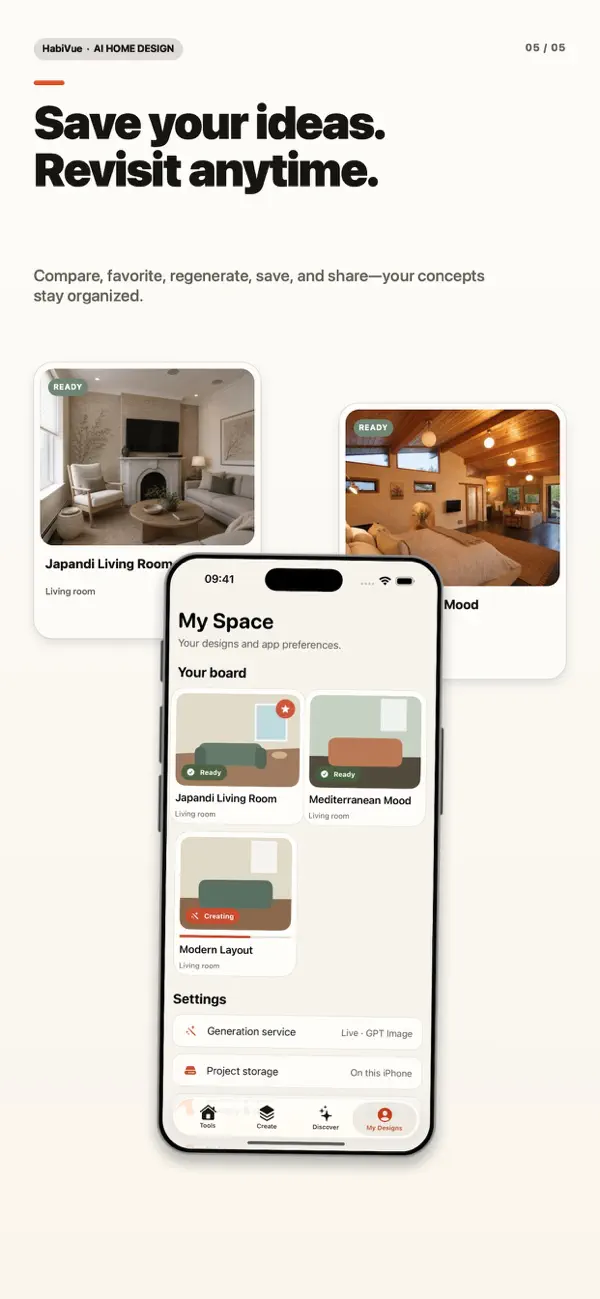
- 3Create on iPhoneAll design tools, photos, concepts and saved spaces live in the app.